
JK Graphic Editor
Photo darkroom
A professional photo darkroom that runs entirely on your iPhone.
JK Graphic Editor develops RAW, HEIC and JPEG photos the way high-end desktop raw developers do, without an account, a subscription or a cloud. Your photos never leave the device.
Pick a look and it develops the photo for you, then checks its own work against professional limits before you see the result.
- Price
- Free
- Requires
- iOS 26 or later
- Languages
- English
- Your data
- Never collected
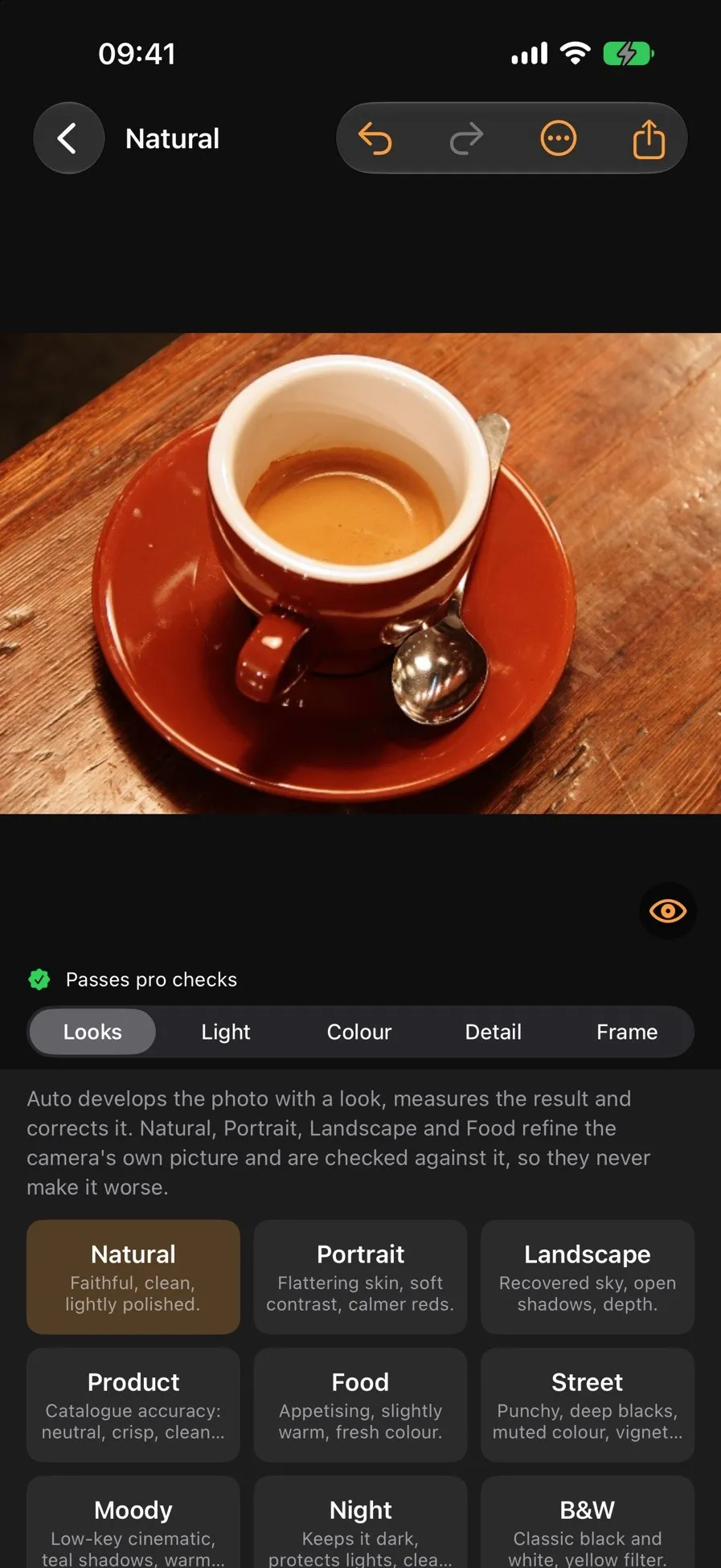
Coffee photo: Rachel Michetti, scikit-image sample data.CC0 1.0.
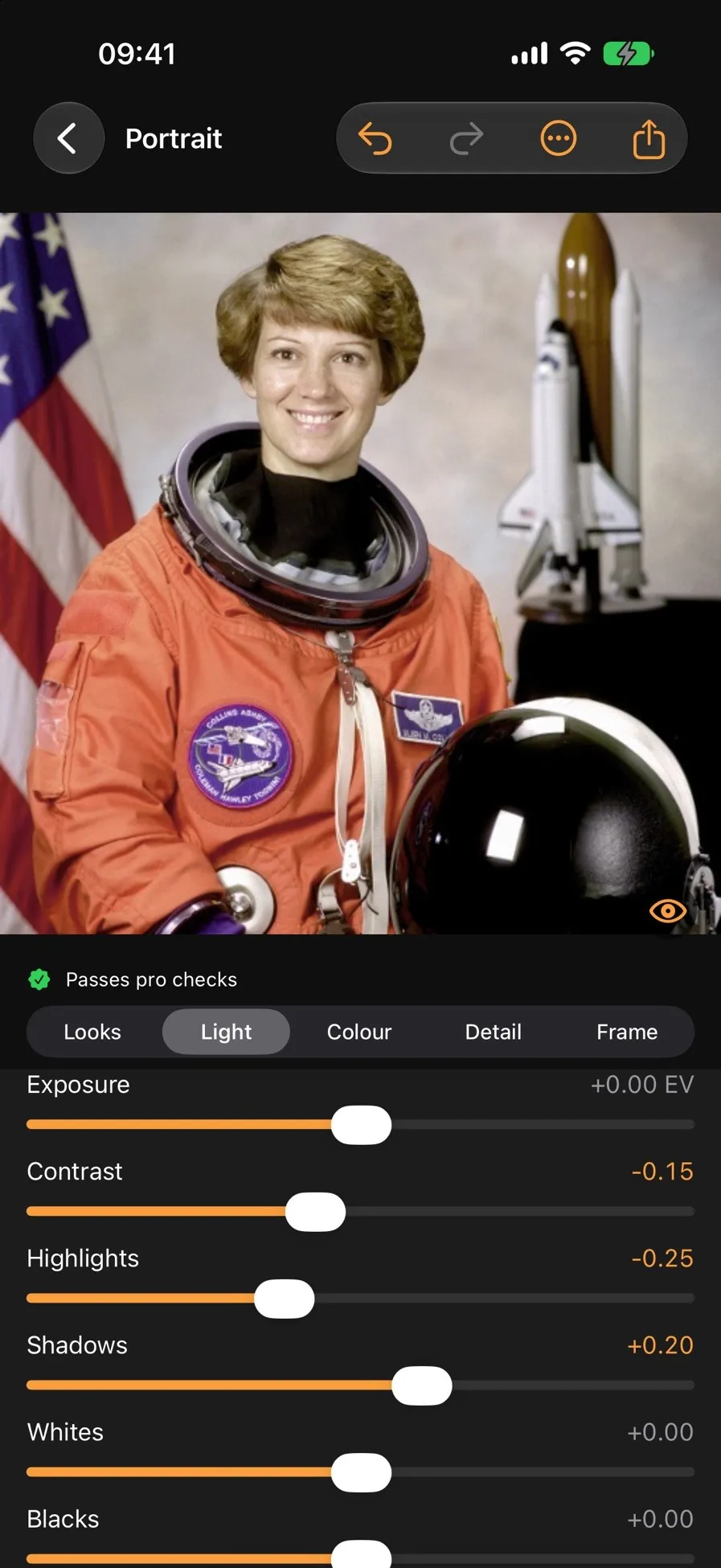
Fine-tuning light on a portrait
Astronaut portrait: NASA.Public domain.
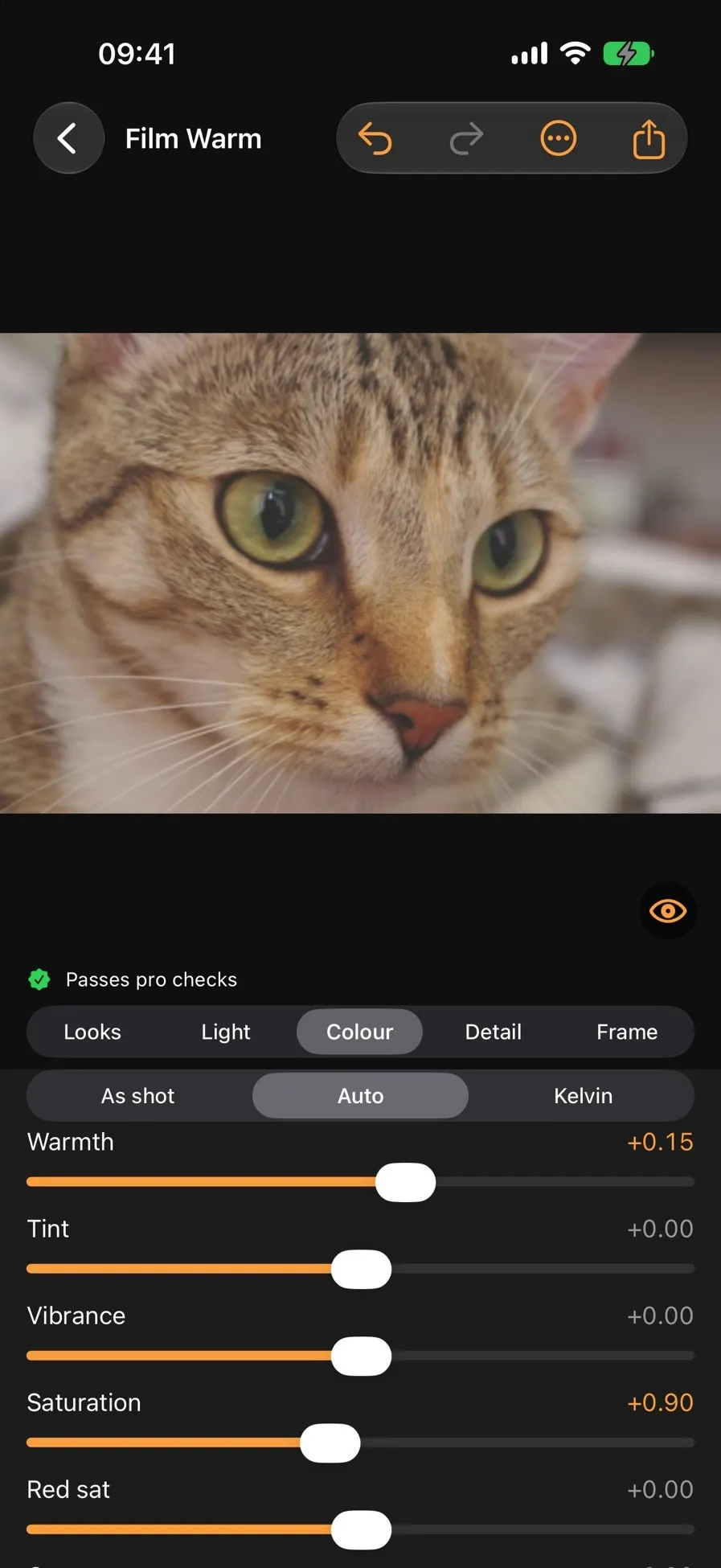
Colour controls with the Film Warm look
Cat photo: Stefan van der Walt, scikit-image sample data.CC0 1.0.
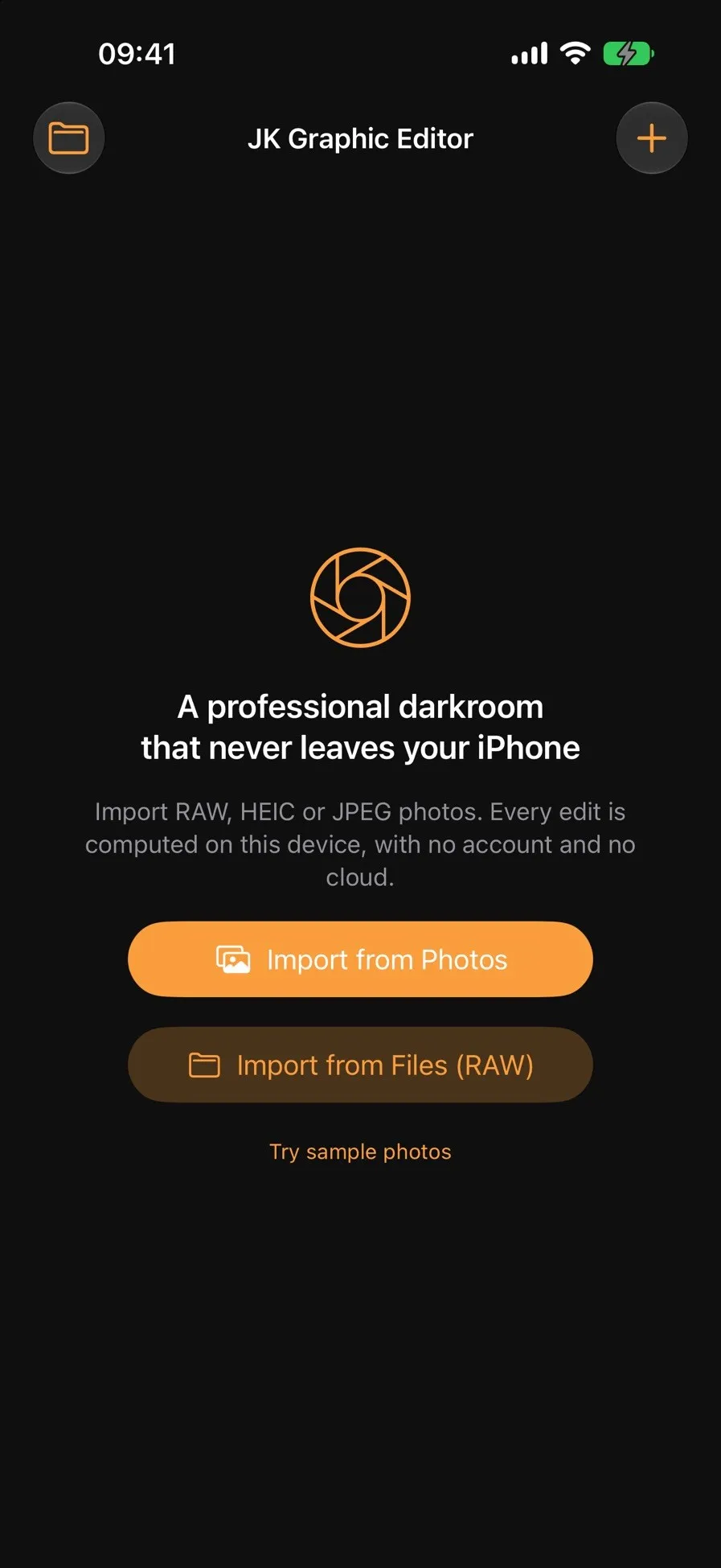
Import from Photos or from Files for RAW
What it does
Eleven looks
- Natural, Portrait, Landscape and Product
- Food, Street, Moody and Night
- Black & White, Film Warm and Teal & Orange
Full control
- White balance from real neutrals, Kelvin, warmth and tint
- Exposure, contrast, highlights, shadows, whites and blacks without halos
- Clarity, noise-aware texture, vibrance and per-colour adjustments
- Black & white with colour filters, vignette, sharpening and noise reduction
- Straighten and smart crops for 1:1, 4:5, 9:16 and 3:2
Export
- Full-resolution JPEG or HEIC
- Sized and sharpened for Instagram posts and stories
- Keeps capture date and camera details, with a switch for location
- Save to Photos or Files
What happens when you pick a look
The automatic edit is not a filter. It is a development pipeline with a quality check at the end.
Import without touching the original
The photo is copied into the app's own storage. RAW files from DNG, CR3, NEF, ARW, RAF and more are supported, and iPhone photos stay in Display P3 from import to export.
Develop in linear light
The engine works in linear light with a filmic tone curve, so colours stay true, highlights roll off smoothly and hues never shift. Apple's on-device Vision finds faces for metering and levels the horizon.
Measure the result
The developed photo is checked for clipped highlights, crushed blacks, colour casts and oversaturation.
Correct before you see it
If a check fails, the app corrects itself. Natural, Portrait, Landscape and Food also compare against the camera's own file: no new clipped highlights, no colour noise in the shadows, night scenes stay dark, and nothing comes out softer.
Keep every edit reversible
Edits are saved as small settings files next to the copy, so you can reset them or compare with the original at any time.
Privacy
- Collects no data at all.
- All processing runs on your iPhone with Apple's on-device frameworks.
- Makes no network connections. Nothing is uploaded.
Help
Bug reports help most when they include your iOS version and the photo type: RAW, HEIC or JPEG.